
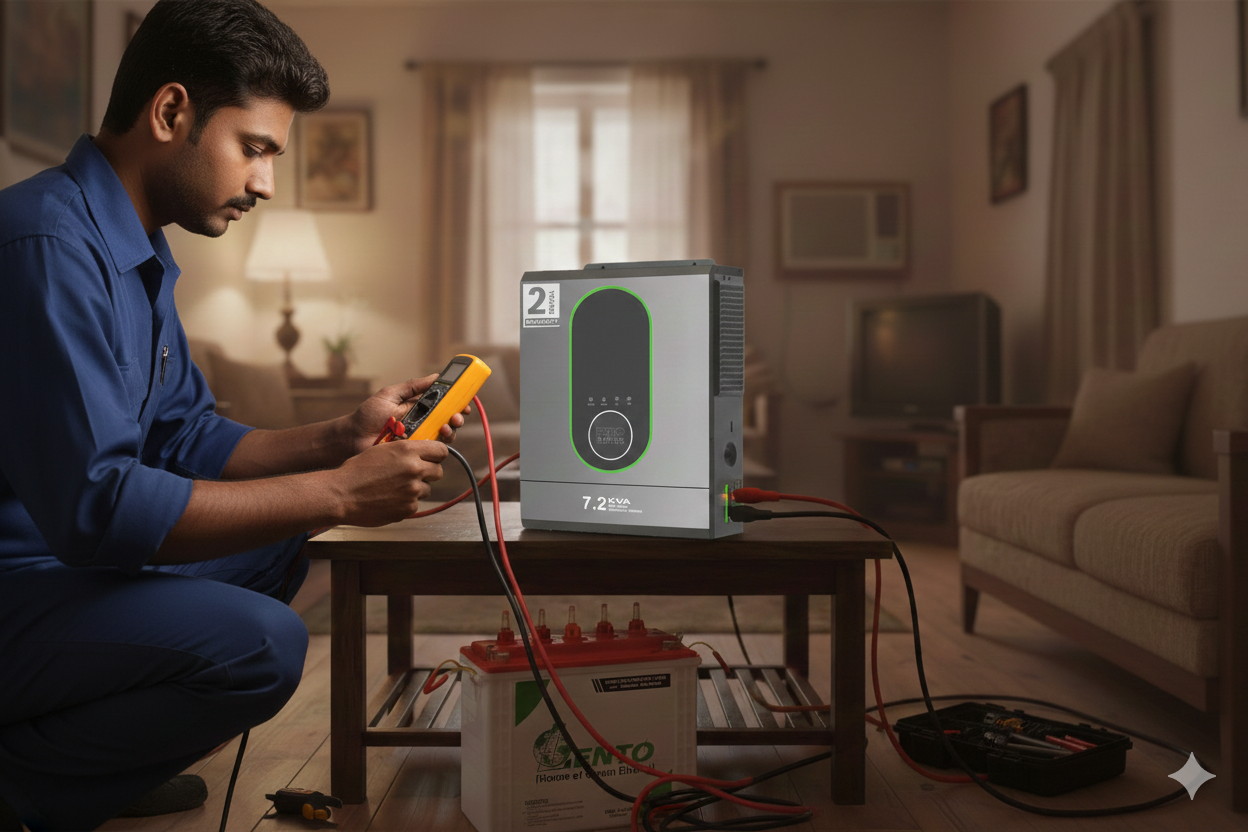
4 most common inverter related problem and their solutions
02 December 2025
If you’ve ever experienced a power cut and confidently switched on your inverter—only to find out it’s not working the way it should—you’re not alone. Almost every household or shop goes through inverter issues at some point. And honestly, inverter problems always seem to appear at the worst possible time… right when you need backup the most. But here’s the good part: most inverter issues are not complicated. With a little awareness, some common sense, and a bit of troubleshooting, you can fix many of them yourself without calling a technician.
In this practical guide, let’s walk through the four most common inverter problems, why they happen, and what you can do to solve them quickly. Think of this as a friendly explanation—something that actually makes sense, instead of confusing technical jargon no one understands.
1. Inverter Turns On… but There’s No Output at All
This is one of the most frustrating issues. You see the inverter glowing, the beeping sound stops, everything looks normal—and still your fan doesn’t spin, the lights stay off, and your appliances refuse to respond.
This usually happens because your inverter is working internally, but something is blocking the power from reaching your home or load. Sometimes it’s a wiring issue, sometimes the battery isn’t supplying enough juice, and sometimes the inverter simply goes into protection mode without telling you much.
Here are the most common reasons:
-
The MCB is tripped (happens more often than people realize).
-
Output socket is loose or damaged.
-
Battery voltage is too low, even though the inverter looks “ON.”
-
Internal fuse blown—protects your inverter but cuts the output.
-
Incorrect mode selected (like bypass, eco mode, or UPS mode).
The Fix:
First, check the simplest things: reset the MCB, inspect the wires, and ensure the battery terminals are tight and clean. If everything looks fine, disconnect the load and restart the inverter. Sometimes a fresh reboot clears protection-mode issues. If the output fuse is blown, you’ll need a technician unless you know how to replace fuses safely.
2. Battery Not Charging Properly (Or Charging Too Slowly)
You’ve probably seen this happen during long power cuts. The inverter keeps running, but when electricity comes back, the battery doesn’t charge the way it should. It may take forever to reach full charge, or sometimes it doesn’t charge at all.
This issue is more common in areas with fluctuating voltage or outdated wiring. Your inverter may be expecting a certain minimum voltage to begin charging, and anything below that simply won’t trigger charging mode. Another surprisingly common reason is sulfation inside the battery, which restricts the charging process over time.
Why it happens:
-
Loose battery wires or corroded terminals
-
Faulty charging fuse inside the inverter
-
Old or sulphated battery plates
-
Input voltage too low to trigger charging
-
Wrong charging mode selected
-
Aging inverter PCB
The Fix:
Check the battery water levels (for flooded batteries) and clean the terminals with warm water and baking soda. Tighten the connections and restart the inverter. If charging still doesn’t start, switch the charging mode—for example, from “Eco” to “UPS” or from “Normal” to “High Charging” mode.
If the battery is old (3–5 years), it may simply be losing its ability to accept charge.
3. Overload Problem—Inverter Keeps Beeping and Shutting Down
This is one of those problems that make you want to pull your hair out. You turn on the inverter, it works for a few minutes, and suddenly it starts beeping loudly before shutting off. This is the classic overload protection feature kicking in.
But overload doesn’t always mean too many appliances. Sometimes the issue is much simpler: a single faulty appliance can trick the inverter into thinking it is overloaded.
Why overload happens:
-
Too many appliances connected at once
-
High-watt devices like irons, blowers, kettles, or pumps
-
Faulty fan capacitor or wiring leaking current
-
Internal short circuit in an appliance
-
Battery too weak to support the load
The Fix:
Remove all appliances and reconnect them one by one. This helps you figure out if one device is causing the overload. Keep high-power appliances off the inverter entirely. If the overload happens even with a very light load, the inverter’s internal relay or PCB may be damaged—a technician visit is needed in that case.
4. Inverter Making Strange Sounds, Smell, or Heating Up
If your inverter starts behaving weirdly—like making buzzing noises, hissing sounds, or heating more than usual—you should take it seriously. Most modern inverters are designed to stay cool and operate silently. So when something changes, it’s a sign of internal stress.
Why this happens:
-
Fan not working properly or clogged with dust
-
Loose internal components vibrating
-
Overcharging due to faulty PCB
-
Poor ventilation
-
Mosquitoes or insects inside the inverter (yes, this happens more than you think)
The Fix:
Turn off the inverter and check airflow. Clean the vents and ensure it has at least 6 inches of space on all sides. If the sound is coming from inside and it’s a buzzing or burning smell, don’t delay—switch it off and call a technician. Overheating can damage internal circuits permanently if ignored.
Final Advice: Take Small Steps Before Big Repairs
Most inverter problems can be solved by simple checks. Before calling a technician, always do the following:
Quick Checklist:
-
Check battery water level
-
Tighten all terminals
-
Restart the inverter
-
Inspect MCB and output sockets
-
Clean dust and ensure ventilation
-
Disconnect all loads and test again
These simple steps solve almost 50% of common inverter issues. But if your inverter is old (5+ years), or if your battery is ageing, repair costs may not be worth it—replacement is often a better decision.